

insta360 go ultra: a practical review and field guide for creators
insta360 go ultra: a practical review and field guide for creators
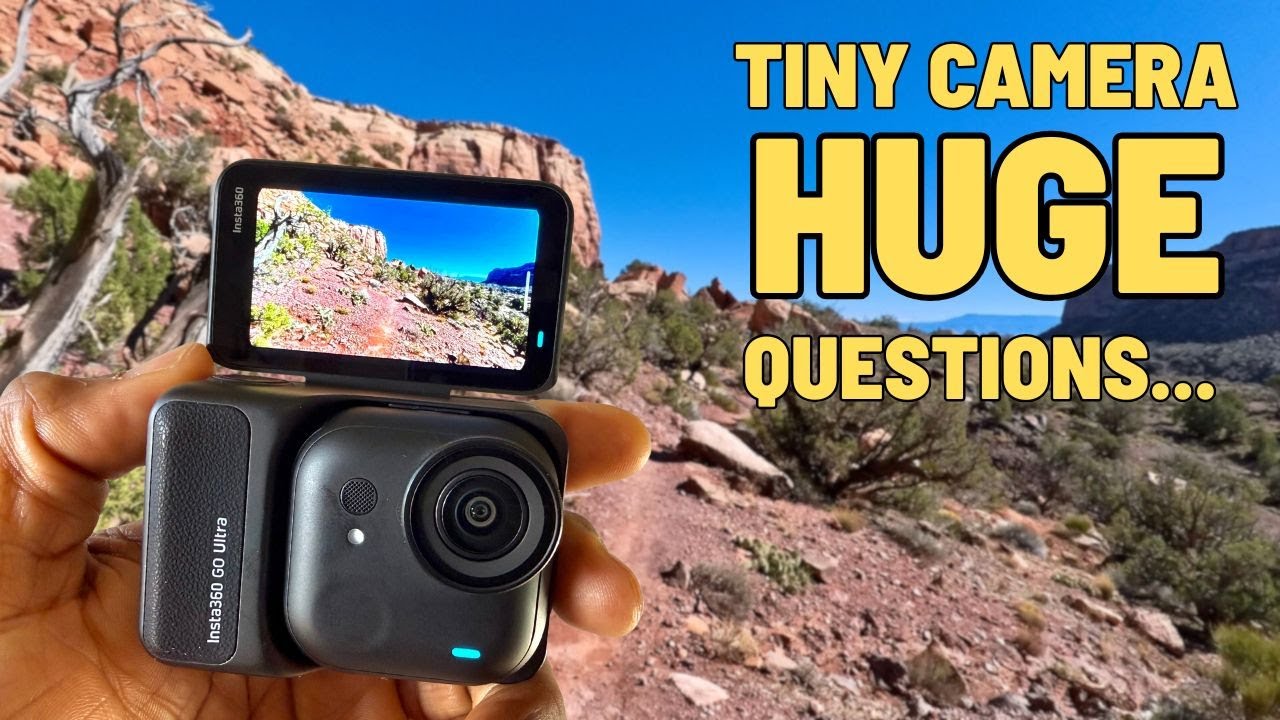
The insta360 go ultra is a tiny, removable 4K camera built for hands free shooting and creative POV angles. I spent weeks using it on hikes, on my Jeep, and while testing low light, audio, and stabilization. This guide breaks down what works, what to watch for, and how to get the most from the insta360 go ultra before you buy.
What makes the insta360 go ultra different
At the heart of the insta360 go ultra is a detachable, magnetic standalone camera that clips into an action pod. Remove the small camera and it becomes a true POV rig, perfect for chest, hat, or head mounts. Slot it back into the action pod and you have a full featured action camera with a flip touchscreen for framing and settings.
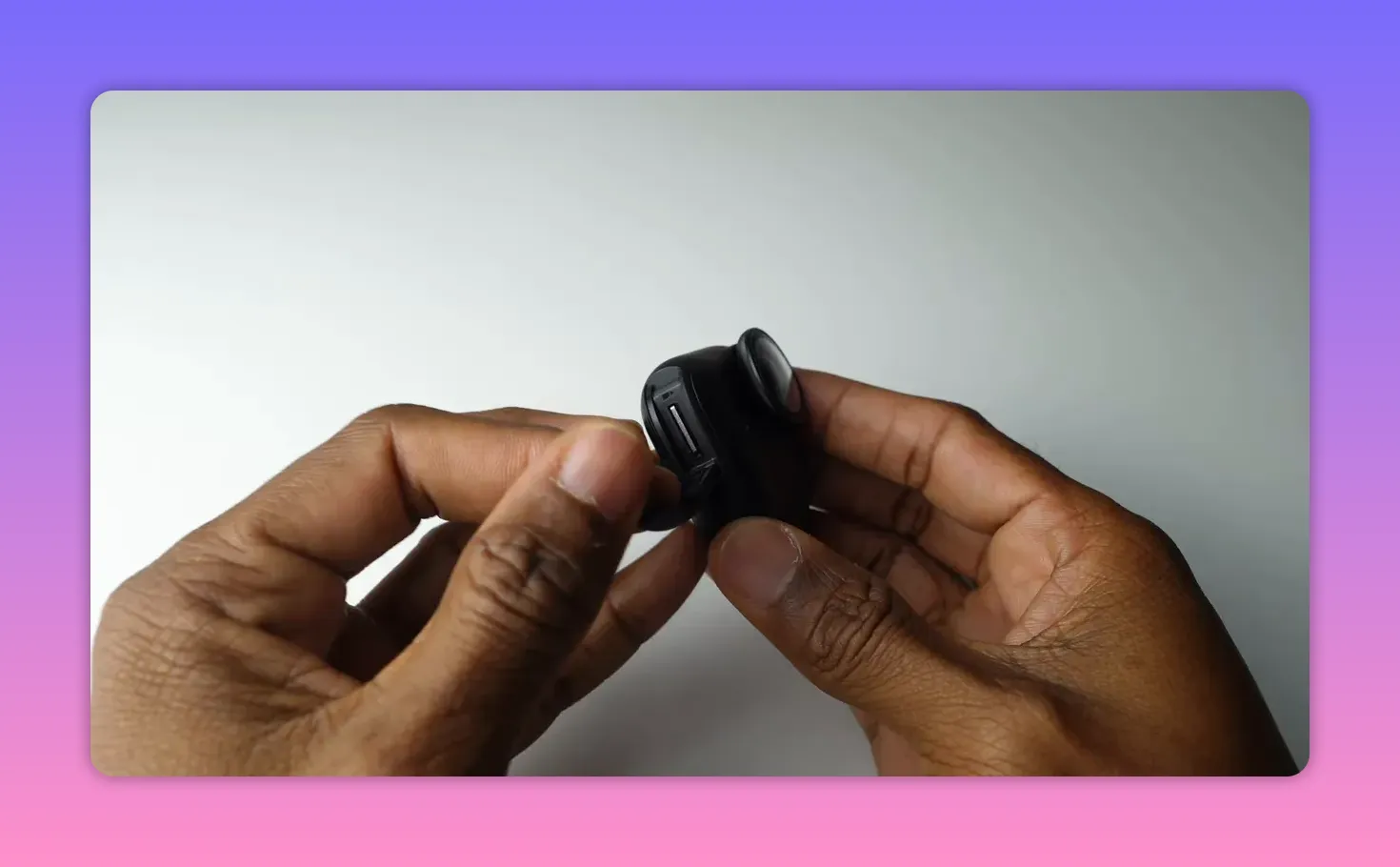
The standalone unit is larger than the previous model, weighing 53 grams, but that extra size brings a meaningful jump in image quality. It uses a 1 over 1.28 inch sensor together with a 5 nanometer AI chip, the same processing tech found in higher end models. That combination enables features like Pure Video, which reduces noise and brightens footage in low light, all inside a compact package. A micro SD card slot is now included, so you are no longer limited to internal storage.
Mounts and accessories I actually used
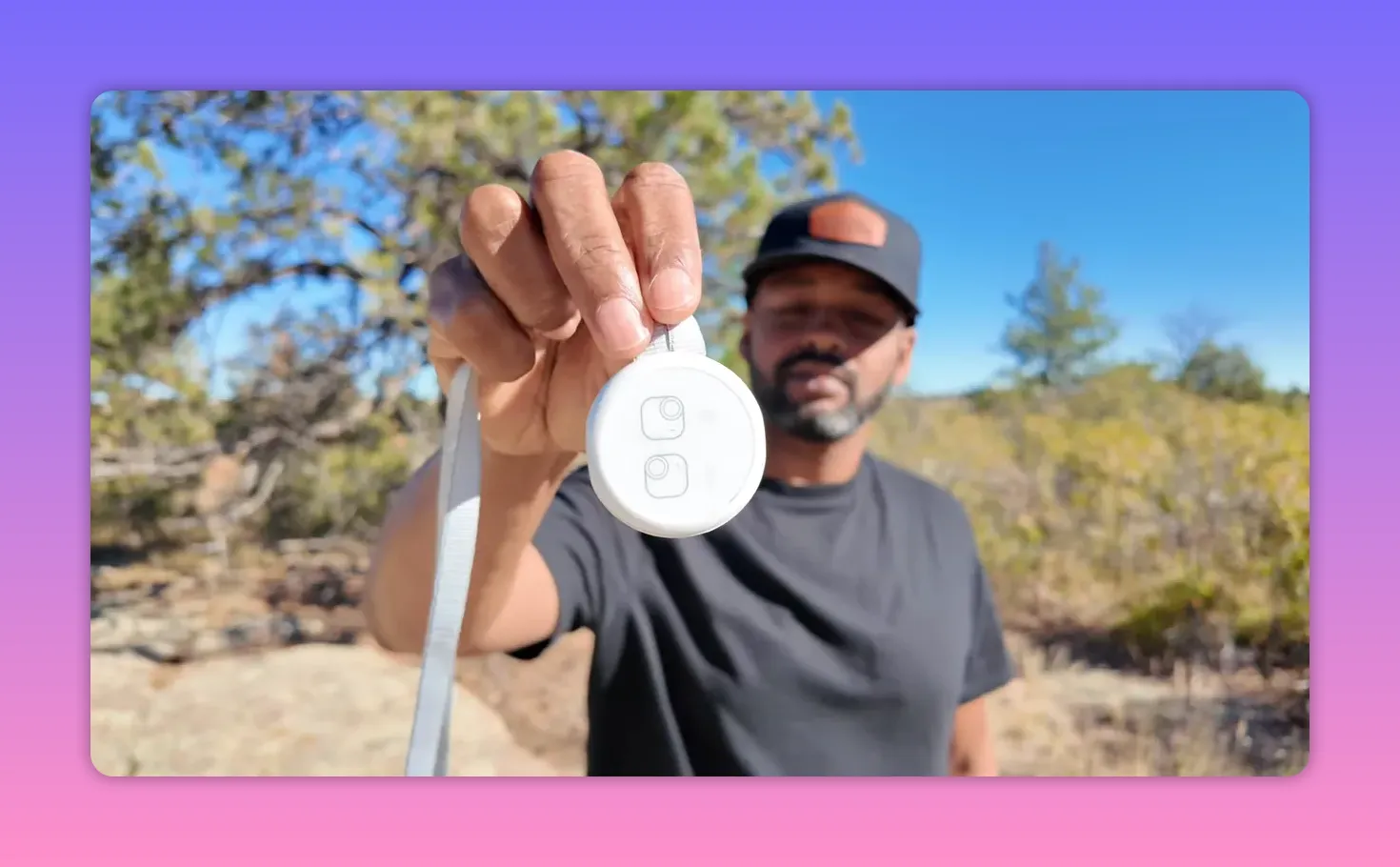
The camera ships with a lot of useful mounts that make it simple to capture POV without fiddling with bulky hardware. The magnetic pendant gives a stable chest level perspective and lets you adjust length and angle. There are clear orientation icons on the pendant so you can set the indicator light horizontal for landscape or vertical for portrait shots.
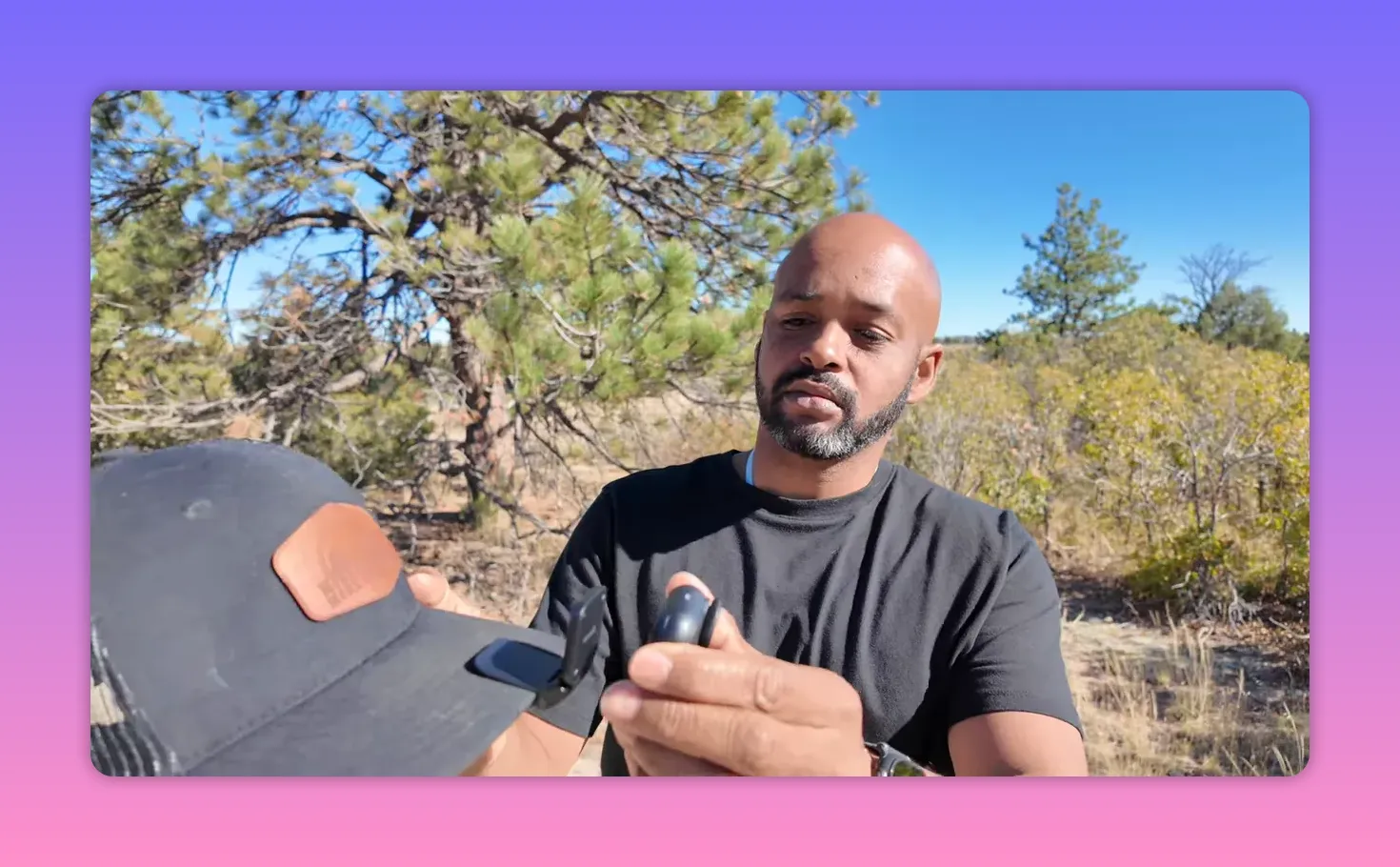
For head mounted POV I preferred the magnetic easy clip that secures to a hat bill and tracks head movement naturally. If you plan to run or push hard, get the easy clip headband. The headband is more secure and kinder to skin than wearing the clip directly. The standard bundle includes a quick release safety cord you should use for higher risk scenarios.
Because the camera is magnetic, it also sticks to metal surfaces and a variety of mounts like pivot stands and sticky quick release tabs. That flexibility makes the insta360 go ultra useful as a second camera you can toss on the hood, a post, or your pack in seconds.
Controls, framing, and remote preview
The action pod features a 2.5 inch flip touchscreen so you can preview the angle and make adjustments without taking the camera off a mount. This is handy when you put the camera on a vehicle or somewhere out of reach and want to manage recording from a distance. Remote control with the action pod works well most of the time, though I did experience intermittent lag when previewing or switching settings while connected to the standalone unit.
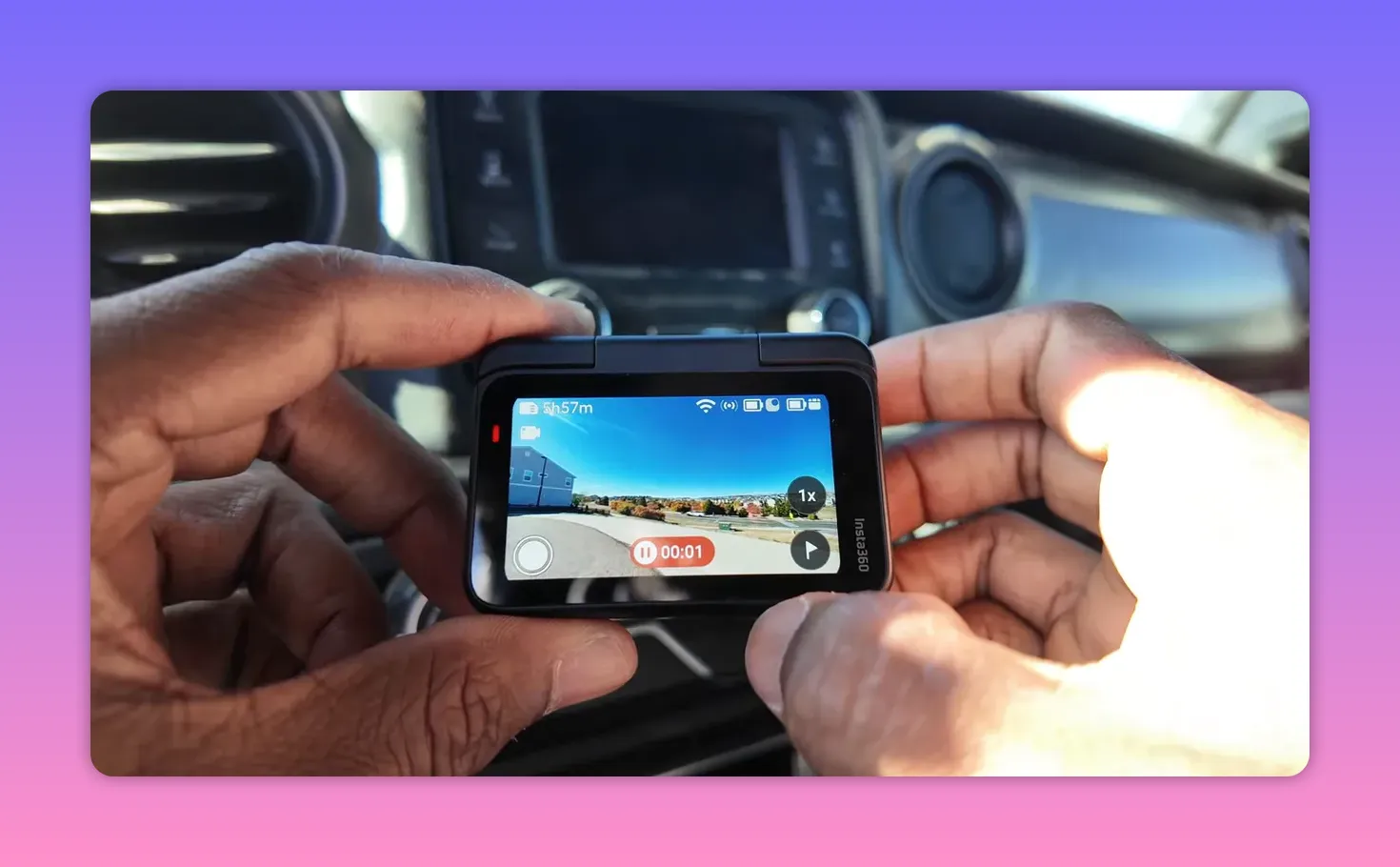
For quick shooting there are three simple hands free options: quick capture from power off with the shutter button, voice control to start and stop recording, and gesture control for out of reach scenarios. These are small conveniences that matter when the camera is on your head or glued to a helmet.
Image quality, modes, and stabilization
The insta360 go ultra records up to 4K at 60 frames per second. That is my go to setting because it gives strong image quality and provides smooth 50 percent slow motion when you drop to 30 frames per second in post. There is active HDR for high contrast scenes and a two times digital zoom called Clarity Zoom that zooms with little to no loss in perceived quality.

Pure Video, driven by the onboard AI chip, is the feature that most surprised me. It lifts shadows, reduces noise, and makes early morning or low light footage usable without a bulky camera. For creators who regularly shoot dawn patrols or campfire scenes, this matters.
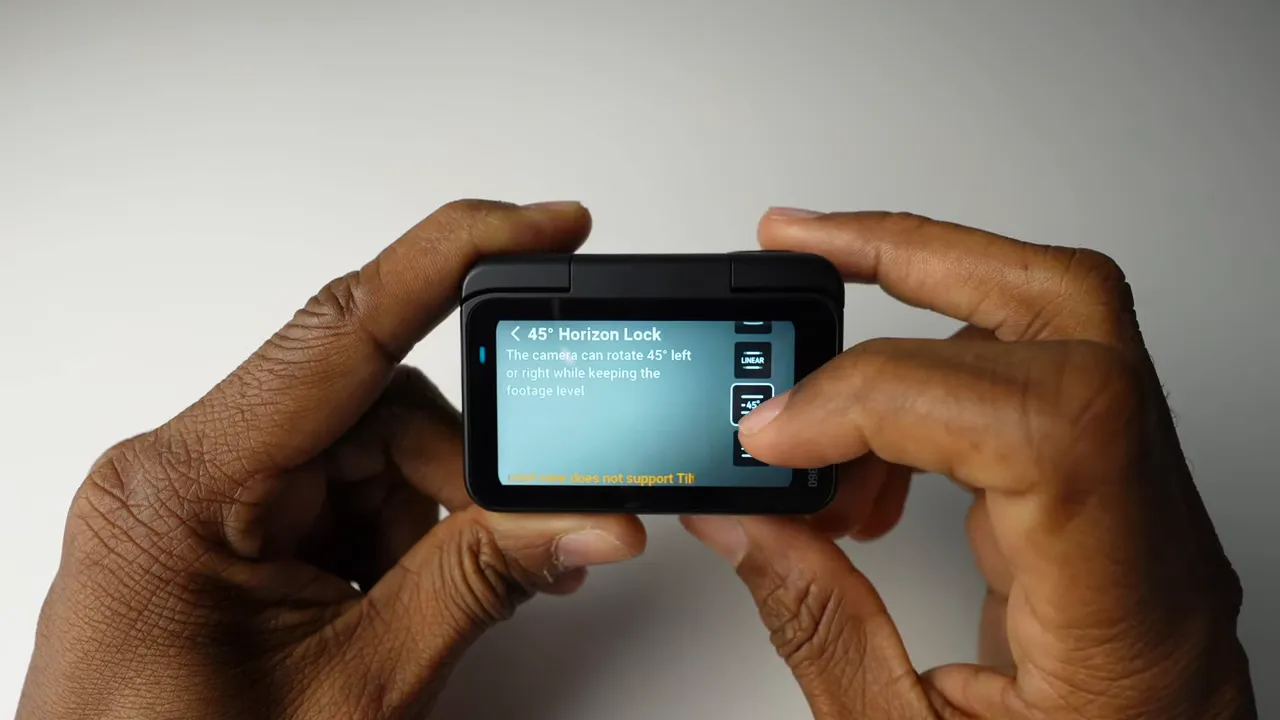
Insta360s FlowState electronic stabilization is excellent. Two field of view stabilization options are particularly helpful. The 45 degree setting lets you tilt the camera while keeping the horizon level. The 360 degree setting lets you rotate the camera a full turn while the image remains level. These stabilization modes turn jittery helmet and running shots into smooth, usable footage.
Audio and external microphones
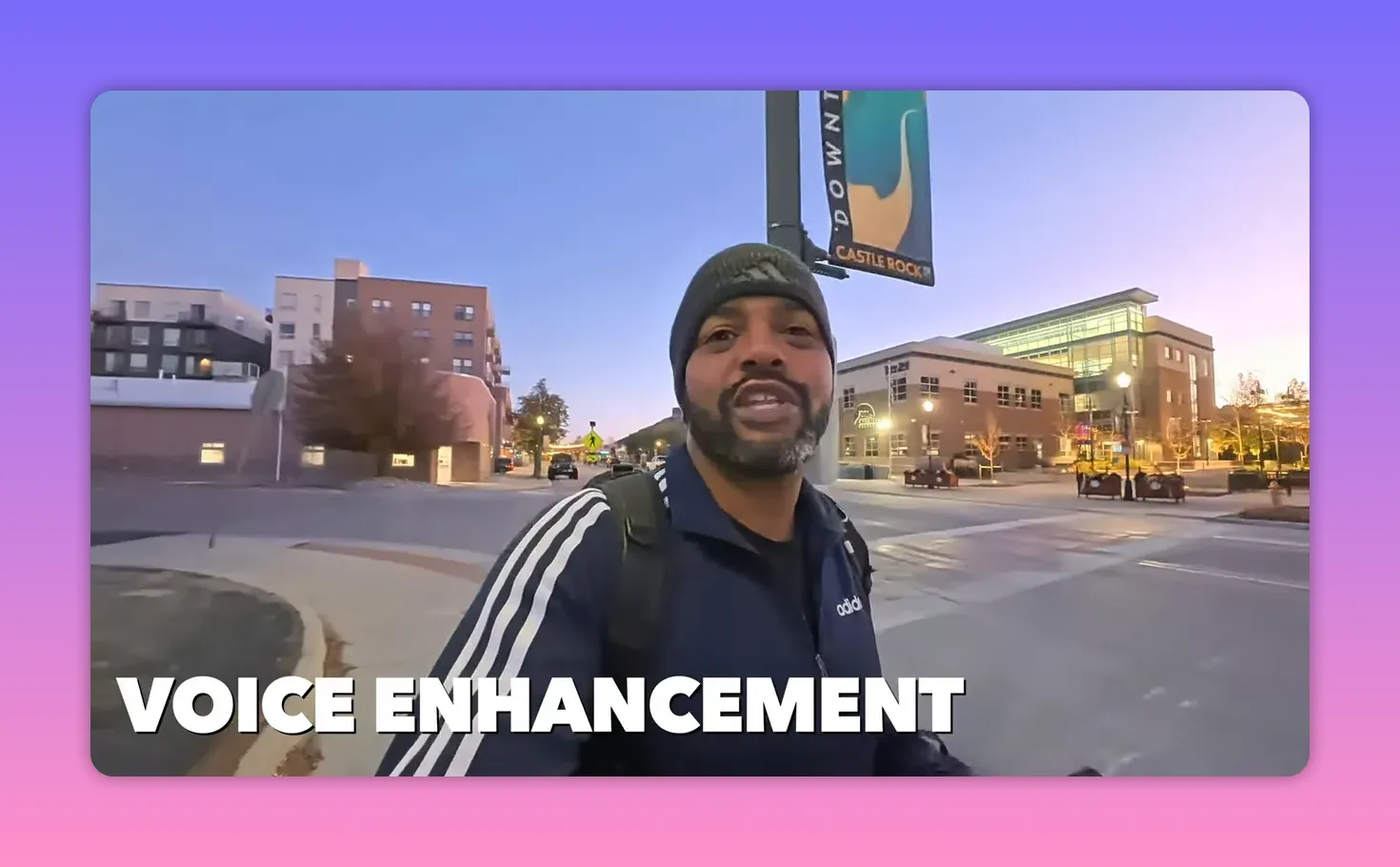
Audio is half the video, so the insta360 go ultra gives you a few smart choices. Internal audio has three presets: original audio, voice enhancement for vlogging, and two wind reduction modes, weak and strong. Switch to voice enhancement in calm conditions, and pick a wind reduction setting when there is a breeze or you are moving fast.
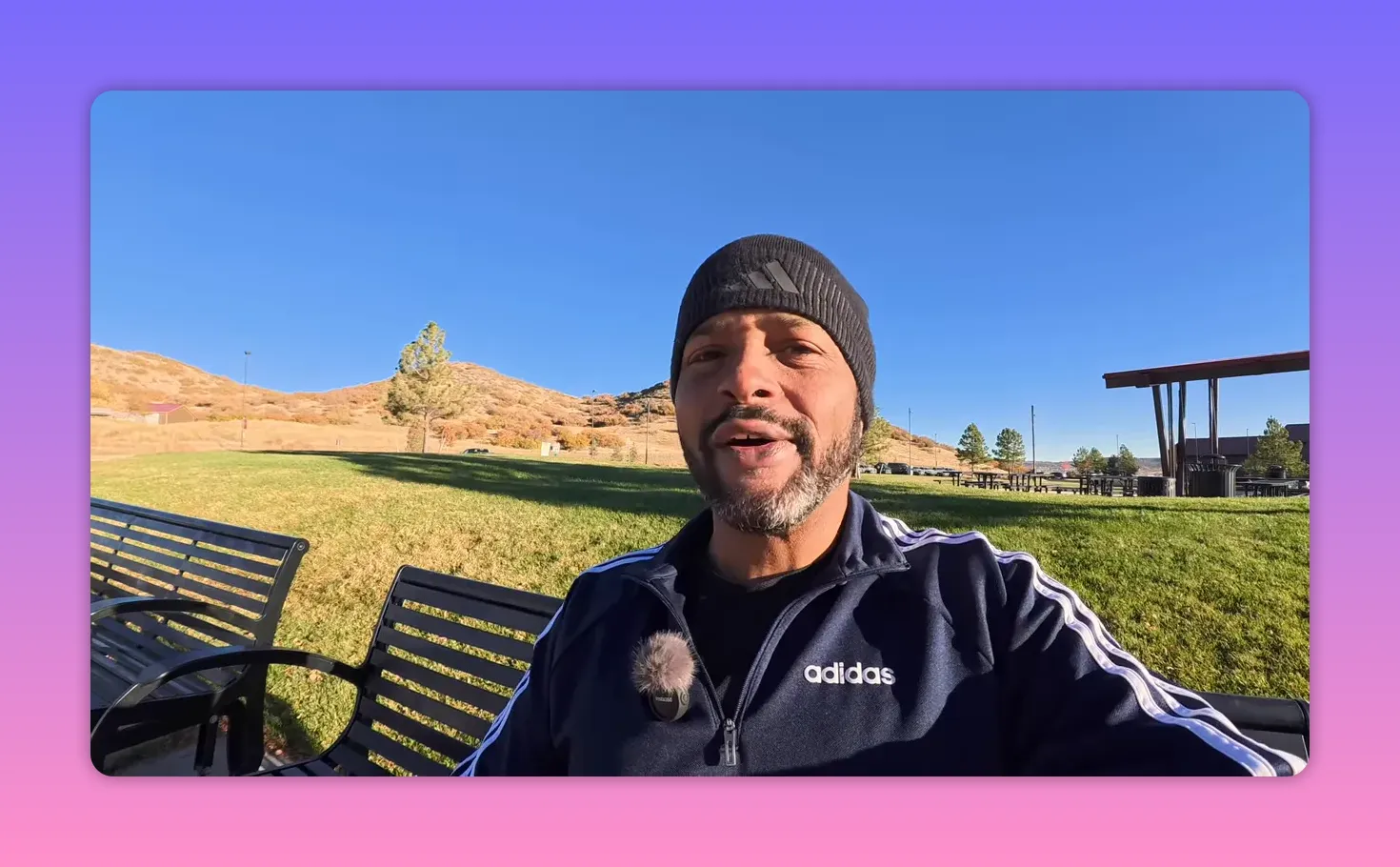
I tested the Mic Air external mic with the camera and it performed well. With a wind muff it offered far better distance pickup and clarity than the internal mic. If you need reliable, crisp audio for interviews or narration while moving, plan to use an external mic.
Battery life and charging
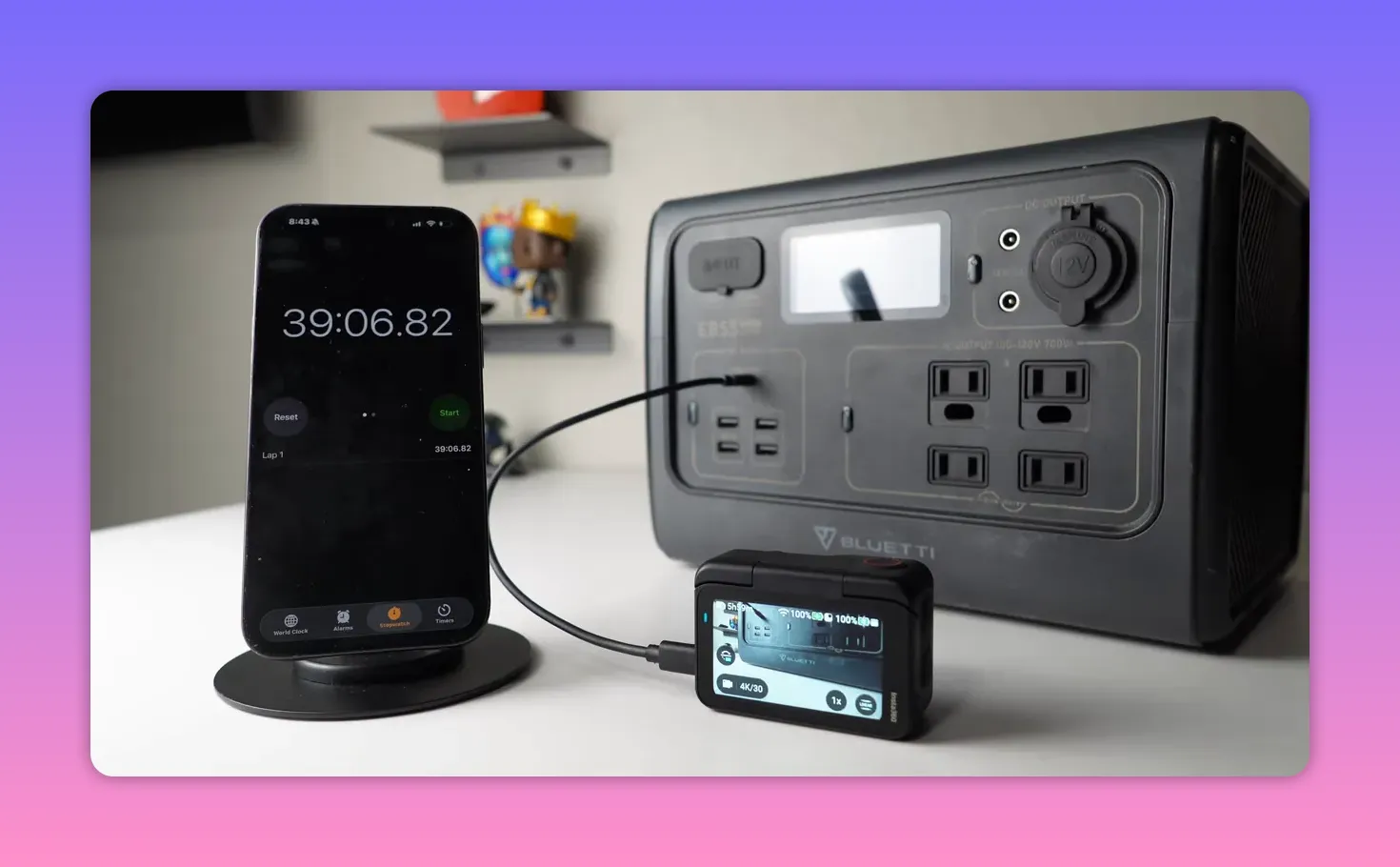
Both the standalone camera and the action pod have batteries. Official numbers say 60 minutes for the standalone and 170 minutes when combined in the pod, but real world results depend on settings. Using 4K at 60 frames per second I recorded for two hours and seven minutes with the camera docked in the pod. Charging is fast. The combined system recharged in just under 40 minutes during testing.
Durability, waterproofing, and small annoyances
The standalone camera is waterproof, so you can take it into water. The action pod is not waterproof, only splash resistant. Keep that in mind when mounting the pod in wet conditions. I accidentally dunked the pod in a creek and got lucky, but avoid relying on splash resistance for full immersion.
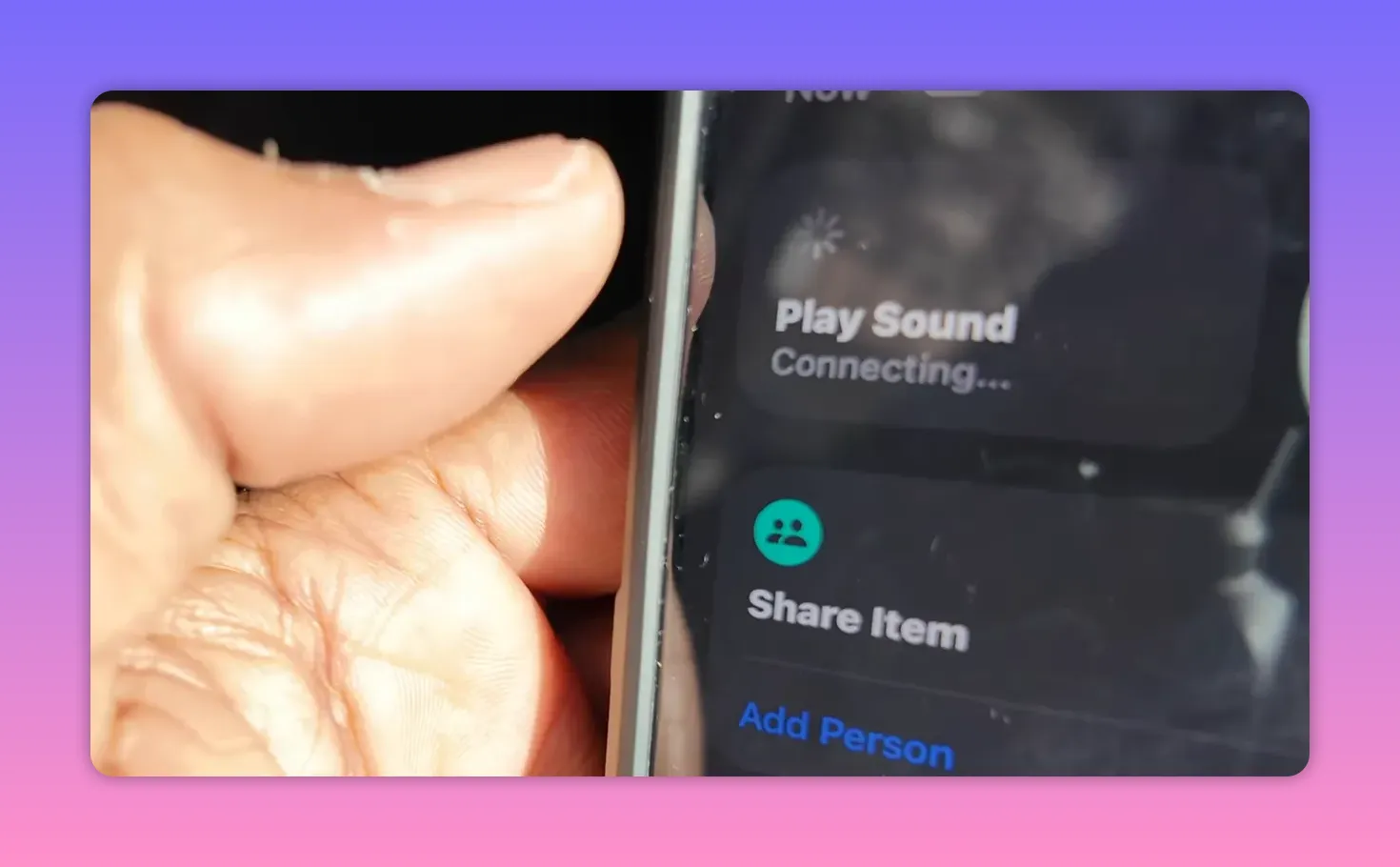
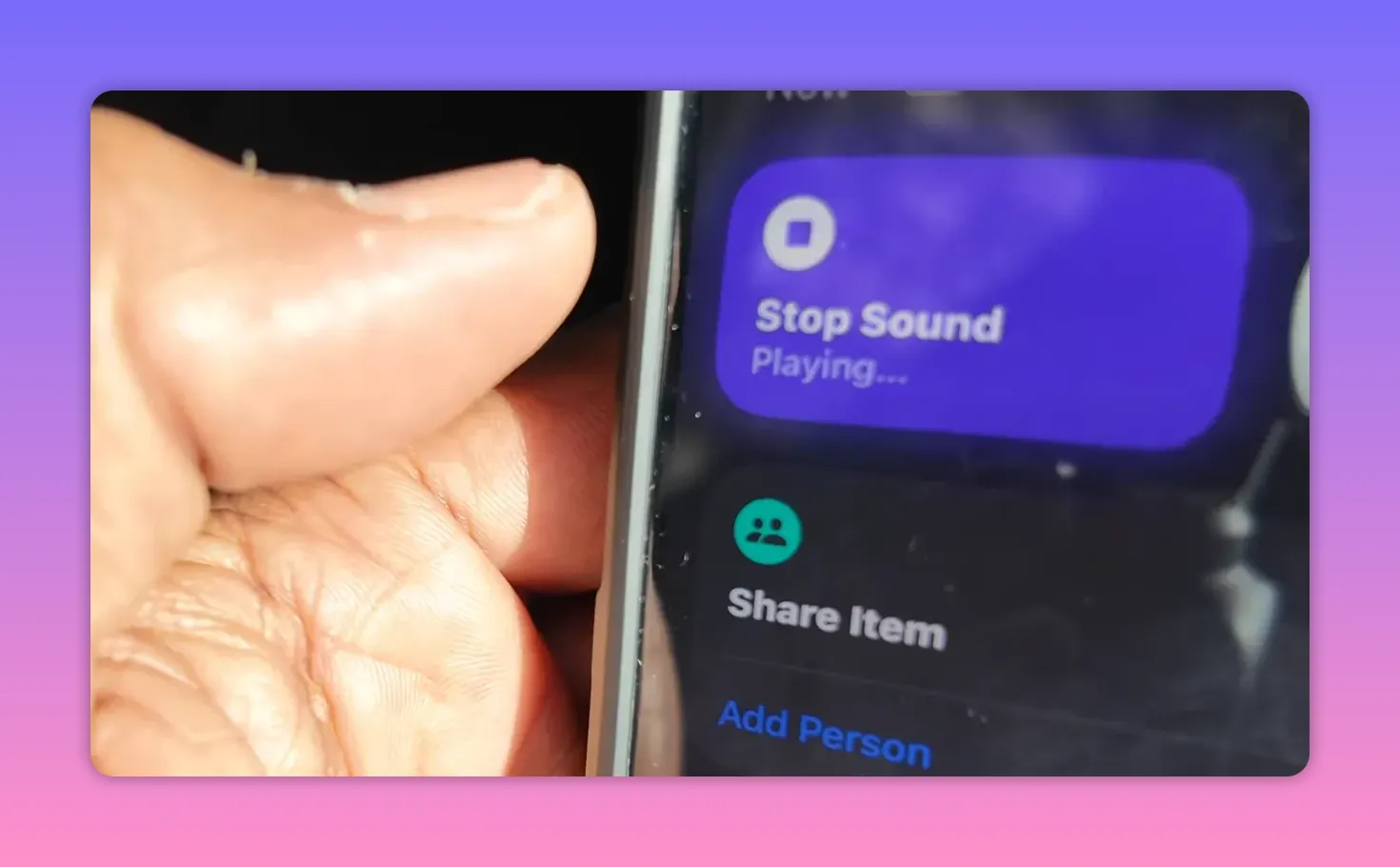
Because the standalone camera is so small, it is easy to lose. If you have an iPhone you can use Find My to locate the camera by making it play a sound. That only works for the standalone unit, not the pod. The magnetic connection between camera and pod felt secure, with clips and magnets holding things together well, though I would avoid trusting that connection for high impact drops.
Bundles, price, and final recommendation
Pricing begins with the standard bundle at four hundred forty nine dollars and ninety nine cents, which includes the magnetic pendant, clip, and quick release safety cord. There are other bundles targeted at creators, cyclists, and vloggers. The creator bundle at four hundred ninety nine dollars and ninety nine cents is a reasonable option if you want a broader accessory set.
For my kit I prefer the creator bundle plus the easy clip headband. The camera now competes with compact action cameras like GoPro and Osmo Action in everyday use. While some rivals offer higher resolution or faster frame rates, the insta360 go ultra balances image quality, flexibility, and size in a way that makes it a practical pick for outdoor creators and travel shooters.
Who should buy the insta360 go ultra
- Adventure creators, who need hands free POV and strong stabilization.
- Vloggers, who want a pocketable 4K camera with workable low light performance.
- Secondary camera users, who value quick mounts and the ability to stick a camera on vehicles or helmets.
If you want a compact camera that opens new mounting possibilities and still captures clean 4K footage, the insta360 go ultra deserves a spot in your bag. It is not perfect, but its combination of Pure Video low light, FlowState stabilization, reliable mounts, and fast charging makes it one of the most useful tiny cameras I have tested.
Adding one to a kit will change how you shoot POV and quick capture moments, and I am already carrying mine on most outings.